Pag-IBIG Portal Guide: Register, Log In
The Pag-IBIG portal, officially called Virtual Pag-IBIG, is the transactional online platform of the Home Development Mutual Fund (HDMF). It lets members view their savings, apply for loans, make payments, and manage personal records through a secure account.
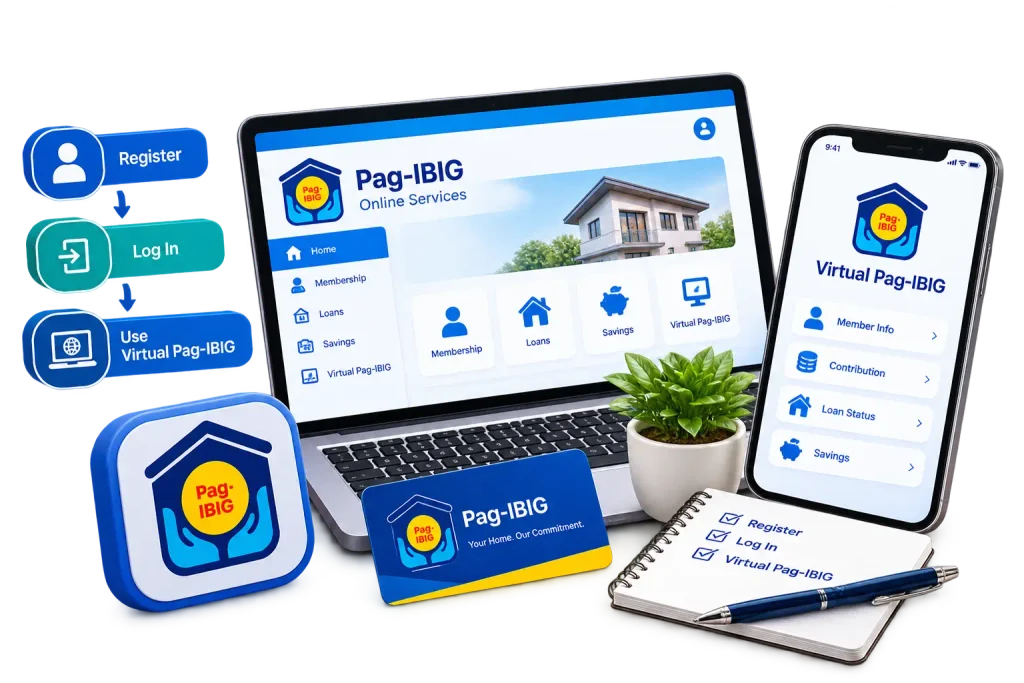
Searching for the Pag-IBIG portal usually means one thing: you need to check your savings, apply for a loan, pay a contribution, or update your records without lining up at a branch. The good news is that almost every one of these tasks can be done online through the Pag-IBIG Fund’s official web facility. This article walks you through what the portal actually is, how to register and log in correctly the first time, and what to do when something does not work as expected.
What Is the Pag-IBIG Portal?
Employers also use a separate section of the same facility to enroll workers and submit contribution reports. Virtual Pag-IBIG was built to reduce the long queues that used to form outside branches, especially during payday weeks and loan renewal seasons.
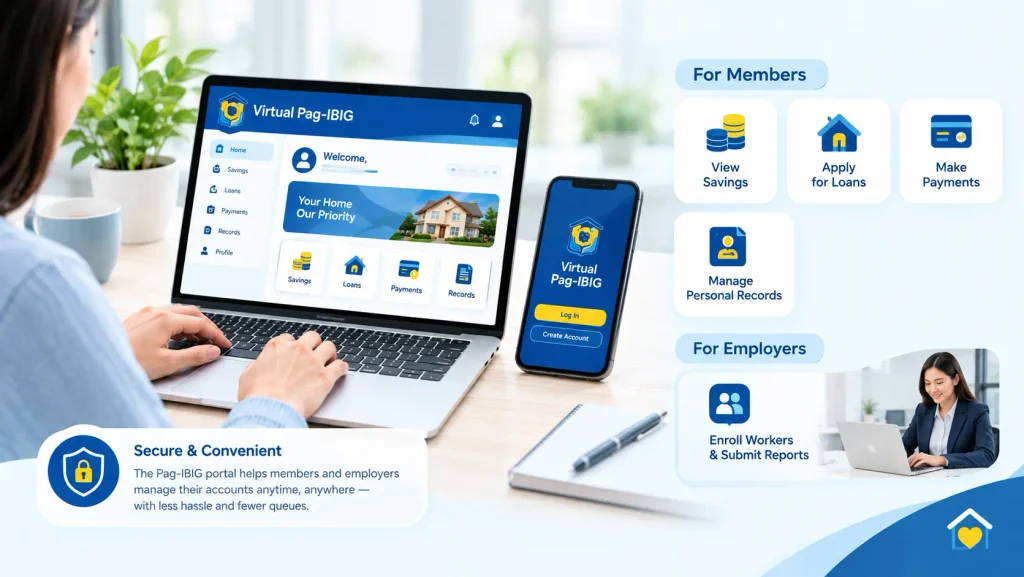
Unlike a simple information page, the Pag-IBIG online portal holds your actual account data, which is why a login is required for most services. Millions of members rely on it, including local employees, self-employed individuals, and overseas Filipino workers who cannot easily visit a branch. Once your account is active, most transactions that used to take a half-day trip can be finished in a few minutes from a phone or computer.
Pag-IBIG Portal vs. the Pag-IBIG Fund Website
A common source of confusion is mixing up the corporate website with the actual transaction portal. The main site, pagibigfund.gov.ph, mostly carries announcements, downloadable forms, program details, and general information about Pag-IBIG.
If you are looking for a login button and cannot find one on the corporate site, that is expected, since the sign-in page sits on the separate Virtual Pag-IBIG platform. The corporate website usually has a visible link or banner that leads members to Virtual Pag-IBIG, so the safest way to reach it is by clicking through from the official site rather than typing a link from memory. Bookmarking the correct address once you confirm it will save you from repeating this search every time you need to log in.
What You Can Do on the Pag-IBIG Online Portal
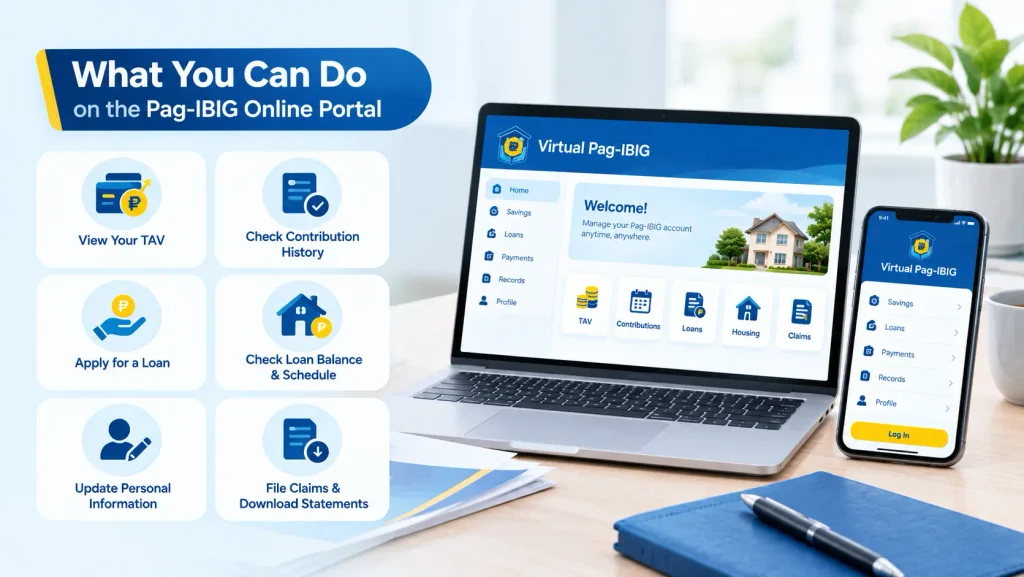
The Pag-IBIG online web portal covers most of the transactions members and employers used to handle only in person. Knowing the full range of services helps you plan which tasks to move online first. Every member should track their Pag-IBIG contribution record regularly.
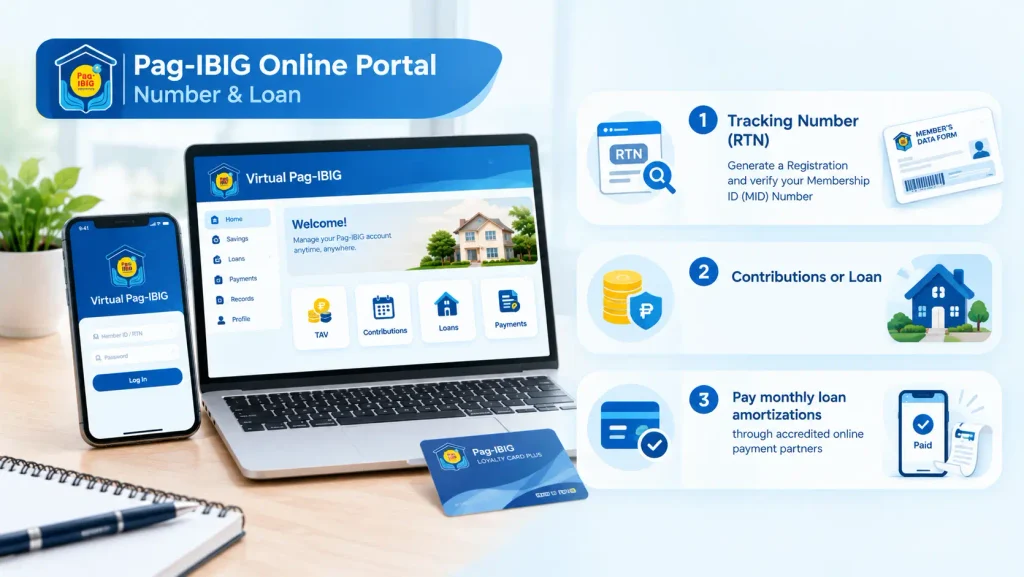
Pag-IBIG Online Portal Number & Loan
Generate a Registration and verify your Membership ID (MID) Number
Pay monthly loan amortizations through accredited online payment partners
Not every service requires a full account. Some inquiry features, like MID verification, can be used with basic details, while savings and loan records need a secure, logged-in session. Knowing this distinction ahead of time can save you a step, since you will know immediately whether you need to register first or can proceed directly.
How to Register for the Pag-IBIG Member Portal
Registration is the first hurdle for most new users of the Pag-IBIG online portal, and the exact path depends on what identification you already have. The Fund currently supports a few different routes, so check which one applies to your situation before you start filling anything out. You can manage your account anytime through the Pag-IBIG login portal.
Registering Without a National ID
Members who do not yet have a National ID follow a separate personal information path instead. Prepare a valid government-issued ID, proof of income or another acceptable source of funds document, and a selfie photo holding that same ID before you begin. Enter your details exactly as they appear on your birth certificate, since mismatched spelling or birth dates are one of the most common reasons an application gets flagged for manual review.
Registering Through Your Loyalty Card Plus
If you already hold a Pag-IBIG Loyalty Card Plus issued by a partner bank, you can register by entering your MID number, selecting the issuing bank, and providing the last four digits of your card. The system sends a one-time PIN to your registered mobile number, after which you provide an email address and set up three security questions. A temporary password arrives by email, and you use it to log in and immediately create a permanent password.
Registering With Your National ID
If you already have a valid National ID, you can use it to register for the Pag-IBIG online portal. Prepare your National ID and enter the required personal information exactly as it appears on the document. You may also need to provide your mobile number, email address, and other verification details. After completing the required steps, follow the verification instructions to activate your account and create your permanent password.
Whichever path you take, double-check that you are on the actual registration option rather than the MID verification or MP2 savings menu, since these sit close together on the same “Be a Member” section. Selecting the wrong option is a small mistake that wastes time and sometimes requires starting the whole process over.
How to Log In to the Pag-IBIG Portal
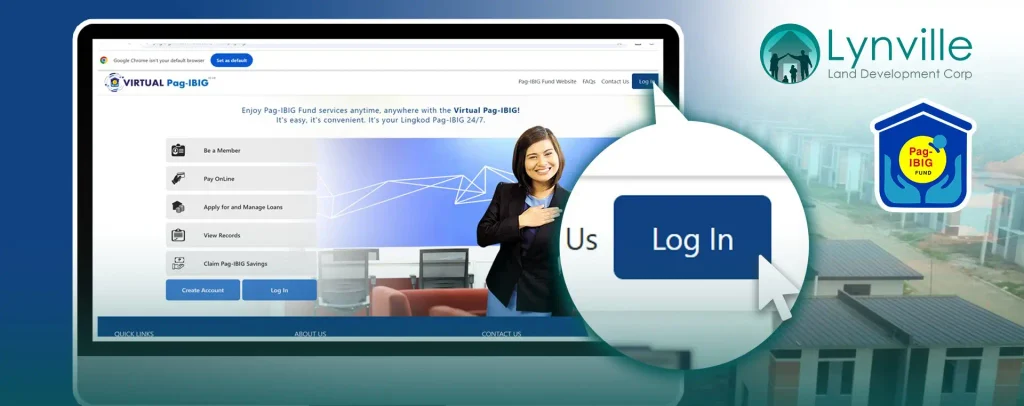
Once your account is set up, logging in to the Pag-IBIG access portal follows a straightforward pattern. Go to the Virtual Pag-IBIG homepage, click the login button, and enter your registered username or email address along with your password. If this is your very first login after registration, the system usually asks you to confirm your temporary password and immediately replace it with a new one.
First-time users occasionally get stuck because they try logging in using their MID number instead of the username or email they registered with. Others run into trouble because their browser has an outdated cached version of the page, which can be fixed by clearing the cache or trying a private browsing window. If your password truly does not work after several attempts, use the official “forgot password” recovery option rather than repeatedly retrying, since too many failed attempts can temporarily lock the account.
The Pag-IBIG Employer Portal
Businesses interact with a different side of the same system, generally referred to as the Pag-IBIG employer portal. Every employer with at least one worker is legally required to register with Pag-IBIG under Republic Act No. 9679, and this obligation applies to private corporations, sole proprietorships, partnerships, cooperatives, government agencies, and households that regularly employ a kasambahay.
Virtual Pag-IBIG for Employers vs. eSRS
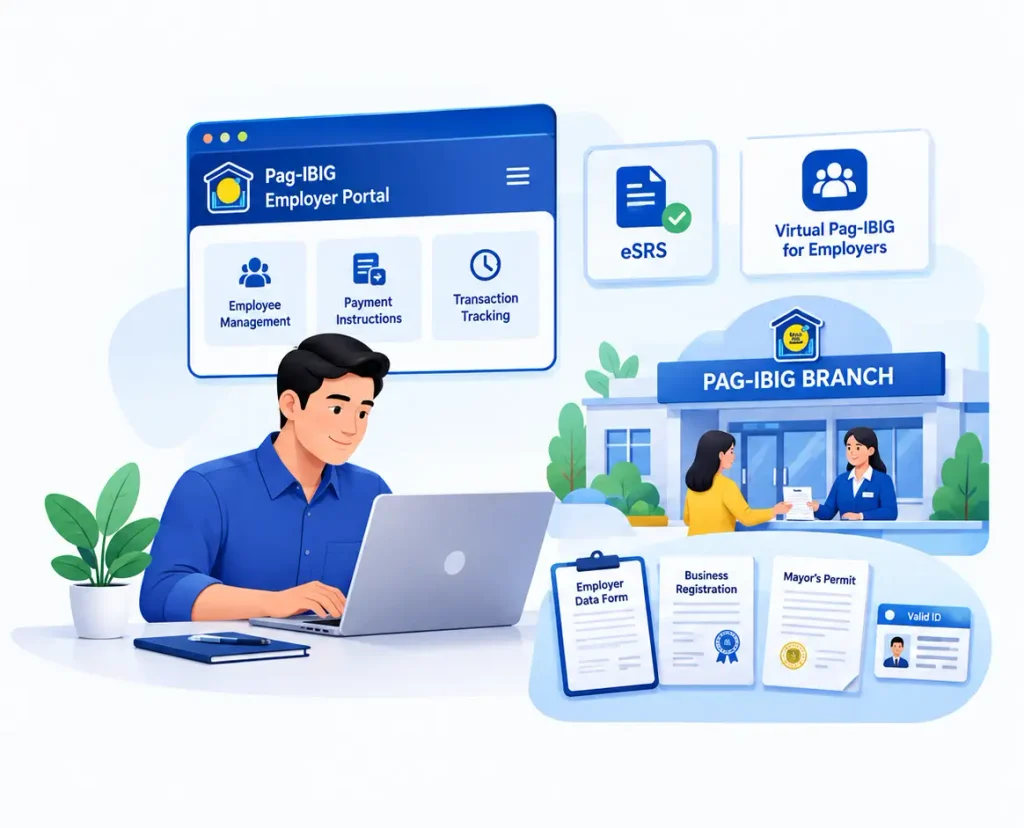
Employers actually work with two related online facilities. The Electronic Submission of Remittance Schedule, or eSRS, is used specifically to prepare and submit the monthly remittance file for employee contributions. Virtual Pag-IBIG for Employers, meanwhile, is the broader account management side, where authorized company representatives can manage employee records, generate payment instructions, and track submitted transactions. Both facilities require an Employer ID Number before they can be used, so initial registration always comes first. New members can complete their Pag-IBIG online registration in just a few steps.
Requirements for Employer Registration
Unlike SSS and PhilHealth, initial Pag-IBIG employer registration generally cannot be completed entirely online and must be filed in person at the branch that has jurisdiction over the company’s principal business address. New employers are typically routed through the DTI Philippine Business Registry or the SEC-linked business registration channels rather than a standalone public employer portal, since the older public online employer registration system was retired. Prepare an Employer’s Data Form, business registration documents such as a DTI or SEC certificate, a valid Mayor’s Permit or Barangay Business Clearance, and valid government IDs of the authorized company representative before your appointment.
After the Employer ID Number is issued, the company can then complete a separate enrollment form to access Virtual Pag-IBIG for Employers and eSRS. From that point forward, remitting contributions, enrolling new hires, and generating payment instructions can all be handled online. Because employer accounts contain sensitive employee data such as salaries and MID numbers, access should be limited to authorized HR, payroll, or accounting staff only, in line with the Data Privacy Act of 2012.
Pag-IBIG e-Gov Portal and PhilSys Connection
Some users search specifically for the Pag-IBIG e-Gov portal, expecting a separate government-wide login hub similar to platforms used for other agencies. In practice, Pag-IBIG’s own digital registration increasingly connects with PhilSys, the national ID system, rather than routing through a distinct third-party e-Gov portal. This is why members who already hold a PhilSys National ID get a simplified registration path, since their identity details are verified against that existing government record instead of being manually re-entered.
If you land on a page claiming to be an “e-Gov portal” for Pag-IBIG transactions, always confirm it links back to the official pagibigfundservices.com domain before entering any personal information. Scam pages sometimes copy government branding to collect personal details or payment information, so treat unfamiliar third-party sites with caution even if they rank well in search results.
How to Check Your Pag-IBIG Loan Amount Online
For short-term loans such as the Multi-Purpose Loan or Calamity Loan, logging into your Virtual Pag-IBIG account and opening the loan records section shows your outstanding balance, due dates, and payment history.
The Virtual Pag-IBIG mobile app offers the same loan-checking function and can be more reliable on unstable internet connections than the full desktop site. It shows your loan balance, dividend history, and Regular Savings and MP2 Savings growth in a simplified format built for smaller screens.
How to Check Your Pag-IBIG Loan Amount Online
Checking an existing loan balance is one of the most searched tasks on the Pag-IBIG portal, and it can usually be done in a few different ways depending on the loan type. For a housing loan, members can use the Housing Loan Payment Verification service on the portal by entering their full name, housing loan account number, and a verification detail, without needing to fully log in first.
Apply for a Multi-Purpose Loan (MPL)
Members who already have at least 24 monthly contributions, with one posted in the last six months, can apply for an MPL directly through Virtual Pag-IBIG without visiting a branch. After logging in, select the loan application section, choose Multi-Purpose Loan from the dropdown, and enter the amount you want to borrow, keeping in mind the ceiling is usually up to 80% of your Total Accumulated Value. The system will show your computed loan amount along with the applicable 10.5% annual interest rate before you confirm the application. Once submitted, most MPL applications get processed within a few working days, and the proceeds are credited either to a linked bank account or through an accredited disbursement partner. Keep your contact details updated during this period.
Apply for a Calamity Loan
The Calamity Loan follows almost the same application steps as the MPL but is only open to members residing or working in an area under an official calamity declaration. On the portal, select Calamity Loan from the loan type menu, then choose the specific calamity declaration that matches your location before entering your desired loan amount. This loan carries a lower interest rate of 5.95% per year and allows a repayment period of up to 36 months, making it more affordable than the regular MPL during emergencies. Eligibility still requires the same contribution history as the MPL, so members who are behind on remittances may find their application automatically declined. If your area is not listed under an active declaration yet, it is worth checking Pag-IBIG’s official announcements before assuming you qualify.
Paying Pag-IBIG Contributions
The Pag-IBIG portal supports payments through several accredited online payment partners, including banks, e-wallets, and over-the-counter collecting agents that transmit the payment electronically. After logging in, members generate an Online Payment Instruction Number, commonly called an OPIN, which acts as a reference for the specific contribution or amortization being paid. This number is then used at the chosen payment channel to complete the transaction, and the portal usually reflects the posted payment within a few business days. Employers follow a similar process but generate the OPIN in bulk after uploading their remittance file through eSRS, covering all employees in one transaction. Keeping the payment receipt or reference number until the amount reflects on the portal protects you in case a payment needs to be traced later.
Forgotten Portal Password
Losing access to your Virtual Pag-IBIG account is common, especially for members who log in only a few times a year. On the login page, selecting the forgot password option prompts the system to ask for your registered username or email address, followed by answers to the security questions set during registration. Once verified, a password reset link or a temporary password is sent to your registered email, which you then use to set a new permanent password immediately. Members who no longer have access to their old registered email face a longer recovery path, since it usually requires reaching out to Pag-IBIG customer service with valid ID to manually verify identity. To avoid this altogether, it helps to periodically log in even without an active transaction, just to confirm your credentials and contact details are still working.
Pag-IBIG Mobile App (Portal Installer)
Members who search for a Pag-IBIG portal installer are usually looking for the official mobile app rather than a desktop program, since Pag-IBIG does not distribute a downloadable desktop installer for its online services. The Virtual Pag-IBIG app is available on the Google Play Store and Apple App Store, and it mirrors most of the functions available on the web portal. If you’re planning to buy a home, use our Pag-IBIG housing loan calculator to estimate payments.
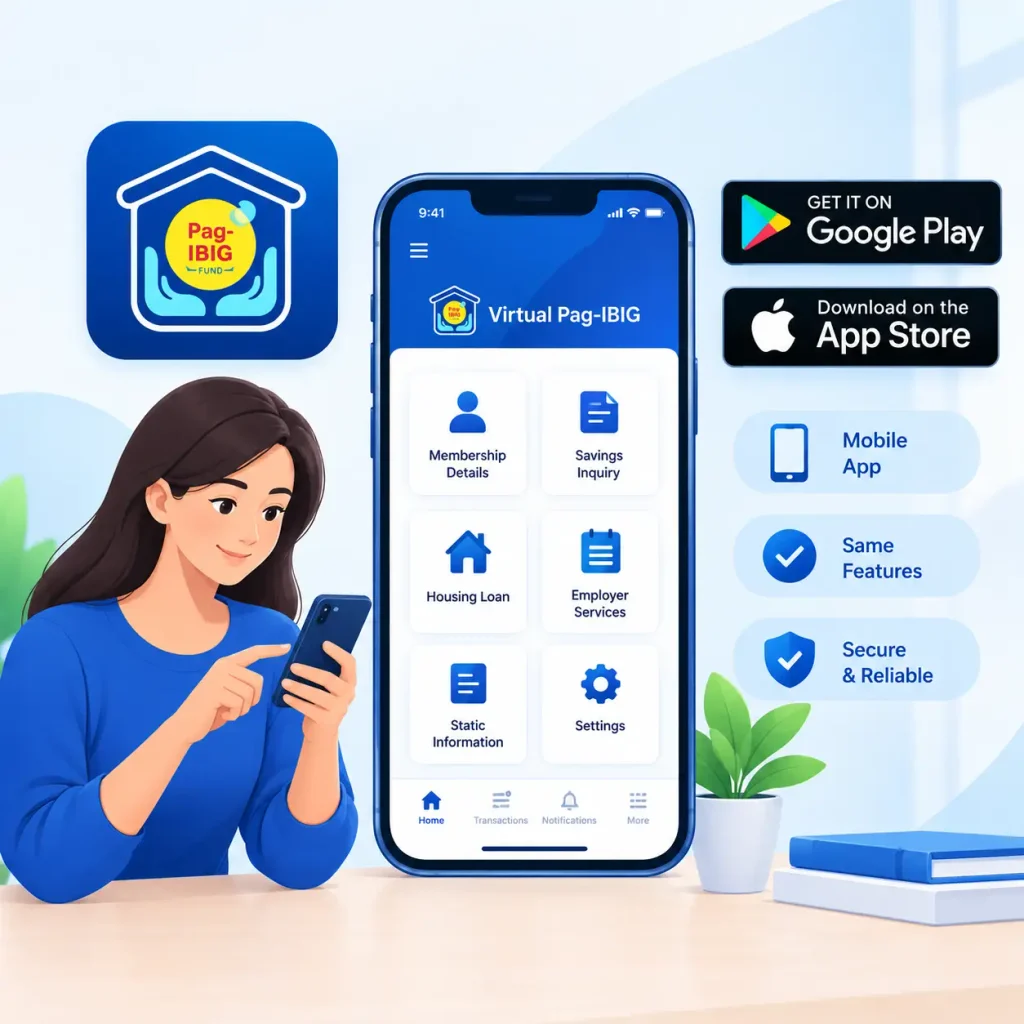
Through the app, you can view your Regular Savings and MP2 Savings records, monitor annual dividends, track housing and Multi-Purpose Loan payments, and check outstanding loan balances anytime. Because it is an official Pag-IBIG release, always download it directly from Google Play or the App Store rather than a third-party file-sharing site, since installer files from unofficial sources are a common vector for phishing apps that imitate government services.
Pag-IBIG Local Branches and Regional Access
Searches for a specific city portal, such as a Cagayan de Oro employee portal, usually reflect a need for local branch support rather than a separate regional website. Pag-IBIG does not maintain distinct online portals per city or branch; Virtual Pag-IBIG is a single nationwide system that every member and employer uses regardless of location. What differs by city is the physical branch you would visit for transactions that still require an in-person appointment, such as initial employer registration or certain claims.
If you are based in Cagayan de Oro or any other region outside Metro Manila, the same Virtual Pag-IBIG login and registration steps described earlier apply to you without modification. For branch-specific concerns, such as confirming which office has jurisdiction over your business address, the Pag-IBIG customer service hotline or the branch locator on the corporate website is the more reliable resource than searching for a city-specific login page.
Common Problems on the Pag-IBIG Portal and How to Fix Them
Even with a fully functioning account, users run into a handful of recurring issues on the Pag-IBIG portal. Knowing the likely cause ahead of time makes troubleshooting much faster.
Tips for Using the Pag-IBIG Portal Safely
A few habits go a long way toward avoiding delays and protecting your account on the Pag-IBIG portal. Always access the portal through the official pagibigfund.gov.ph or pagibigfundservices.com domains rather than links shared through text messages or social media posts, since impersonation pages are a known scam tactic. Keep your registered mobile number and email address updated, since these are used for one-time PINs, password recovery, and important account notices. Employers can also register their business through the Pag-IBIG employer registration process.

It also helps to keep digital copies of your key details on hand, such as your MID number, RTN, and any Loyalty Card Plus information, so you are not searching for physical documents mid-transaction. For employers, limiting portal access to a small number of authorized staff reduces the risk of accidental data exposure and keeps a clear record of who submitted each remittance. Finally, log out of the portal after each session, especially on shared or public computers, since savings and loan records contain sensitive personal and financial information.
Conclusion
The Pag-IBIG portal, through Virtual Pag-IBIG, now covers most of what members and employers need to manage their accounts without a branch visit, from checking a loan balance to submitting monthly remittances. The process runs smoothly as long as you register through the correct path, keep your personal details consistent with your official records, and use the official domains and app instead of unverified third-party links. Whether you are a first-time member registering with a PhilSys ID, an OFW paying contributions from abroad, or an HR staff member managing employer remittances, the steps above should help you move through the portal with fewer delays and less back-and-forth with customer service.